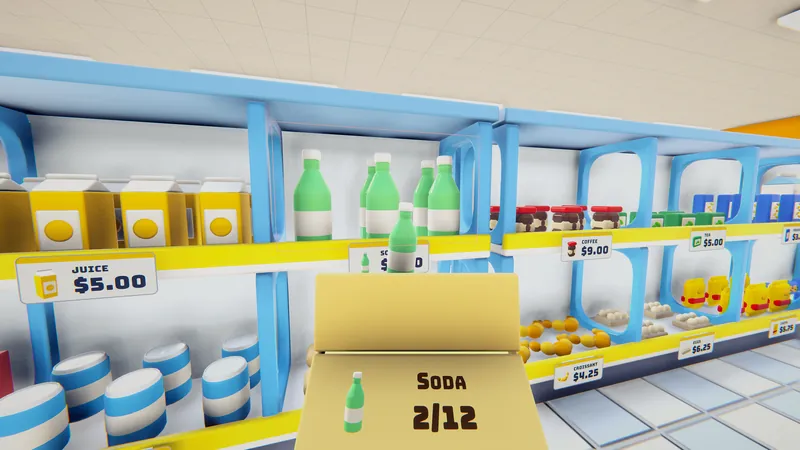
Stock the shelves
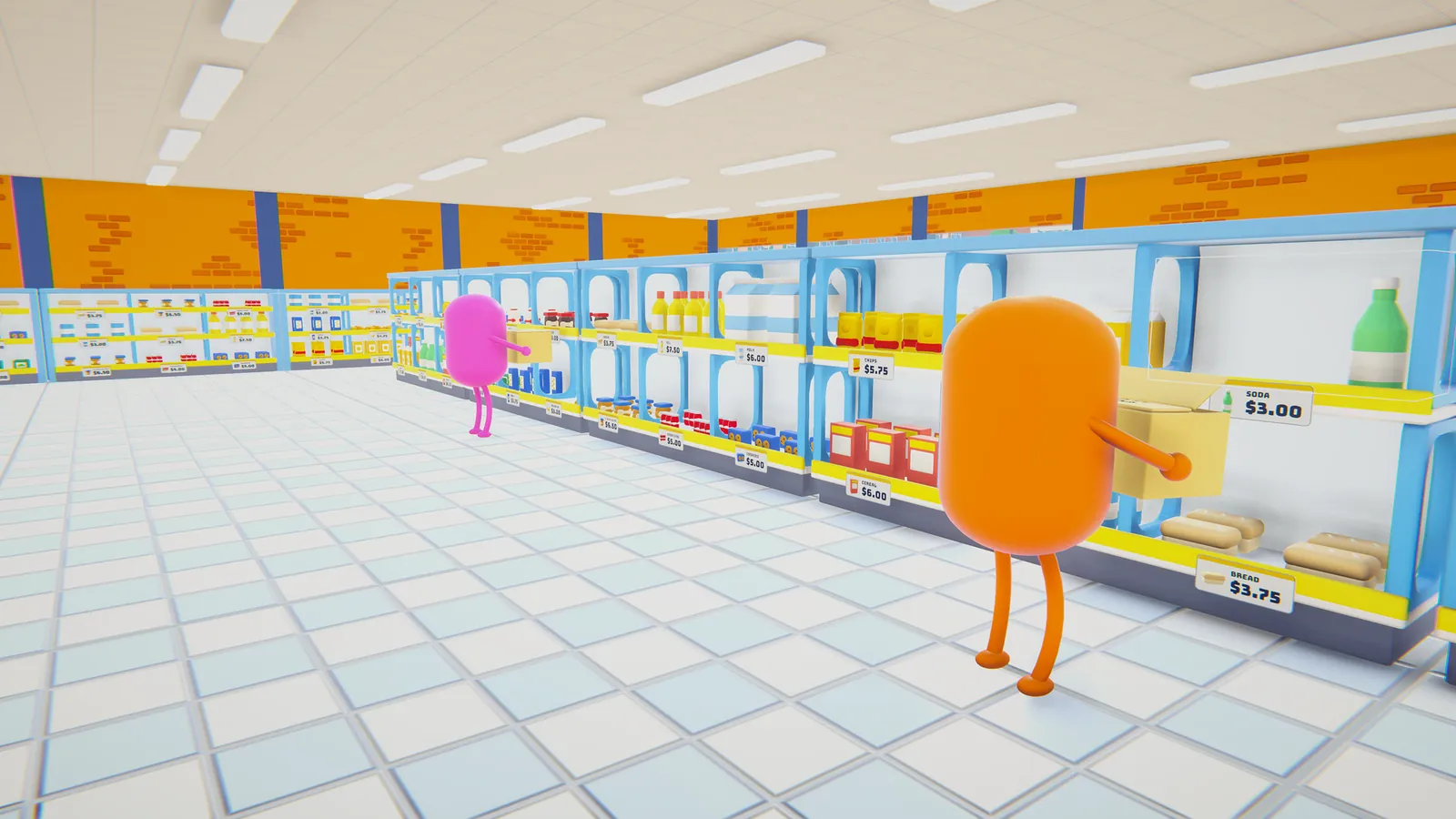
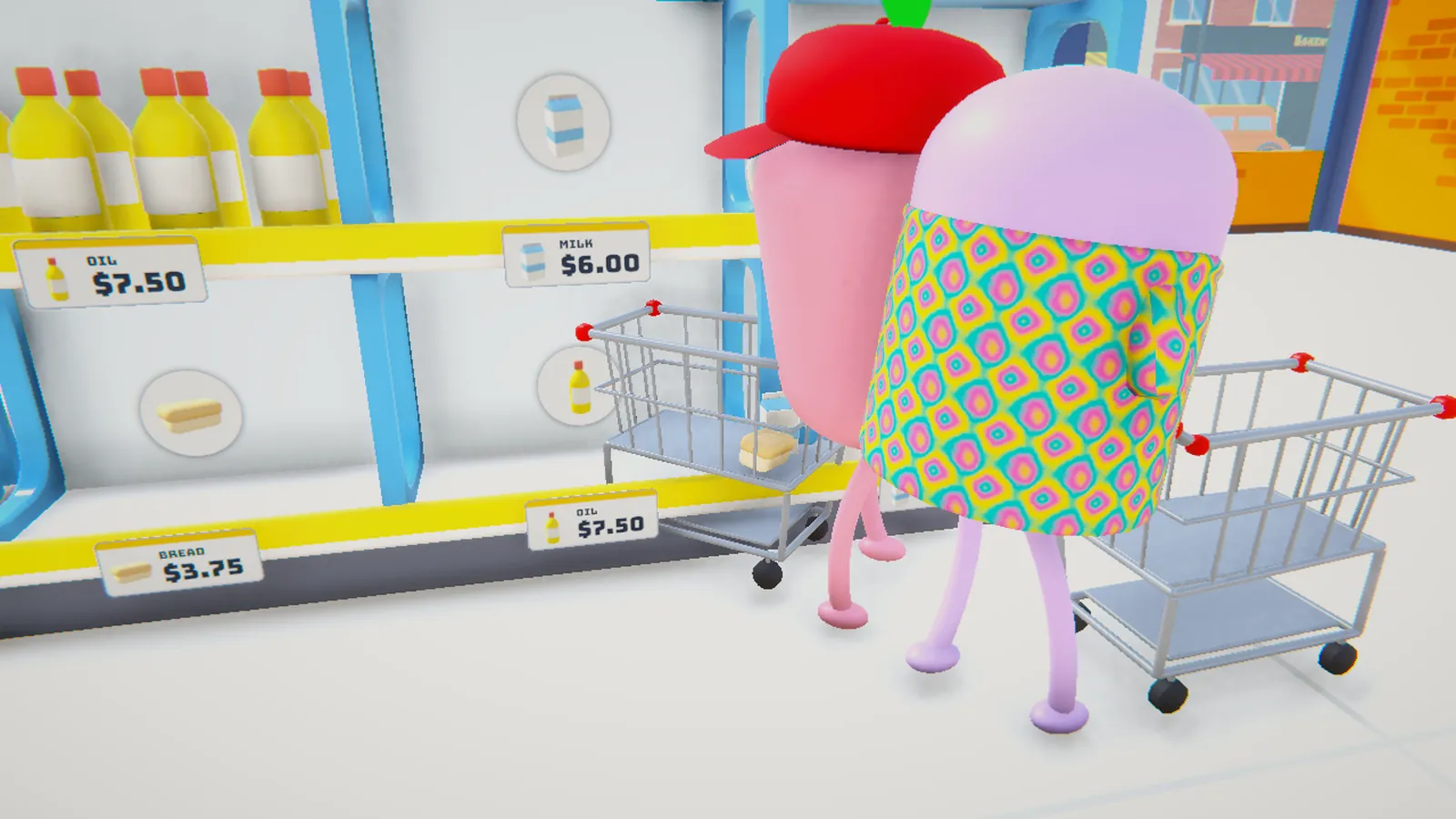
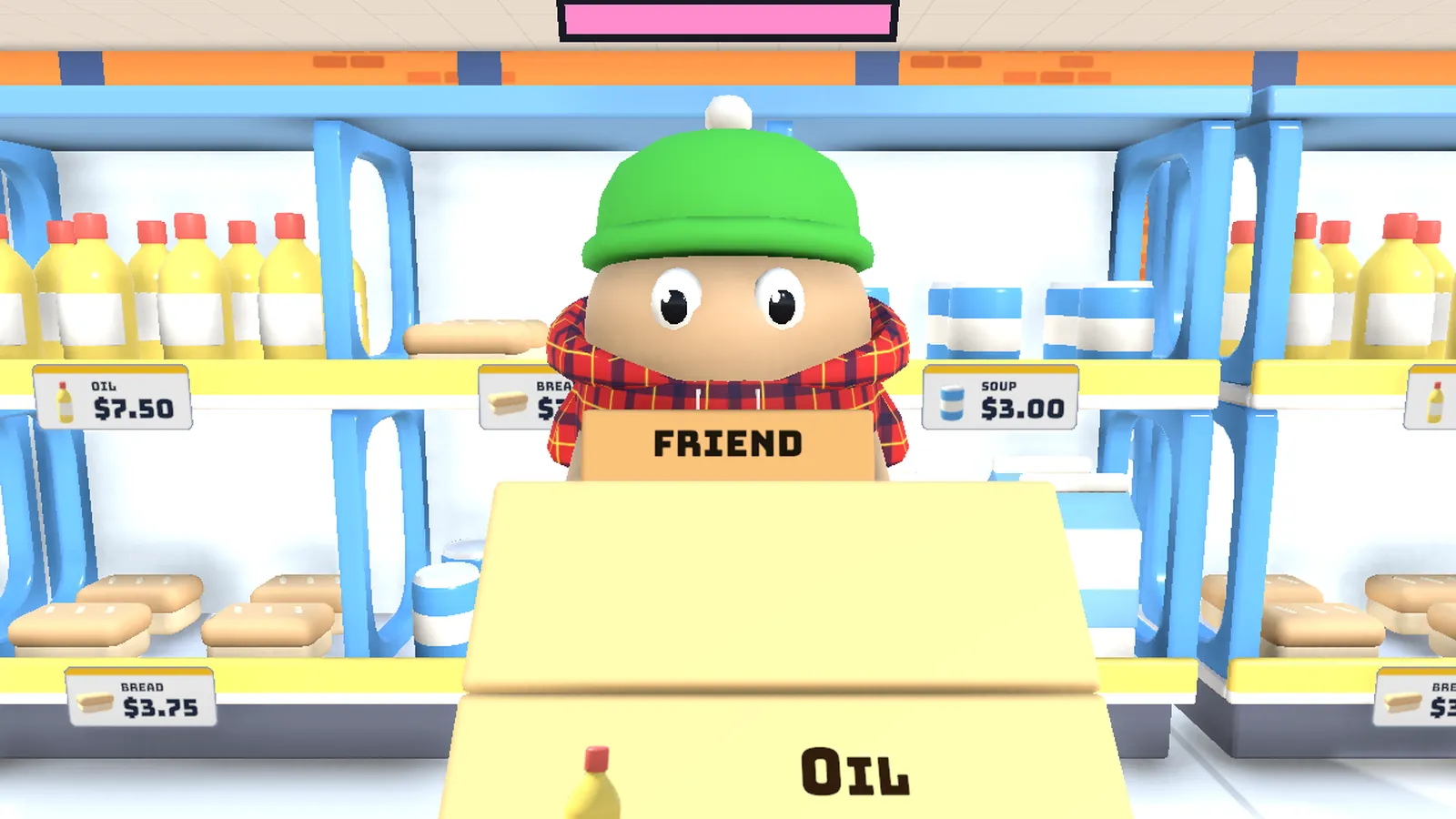
Order products on the store PC, wait for the truck, carry the boxes in. In a hurry? Throw them.
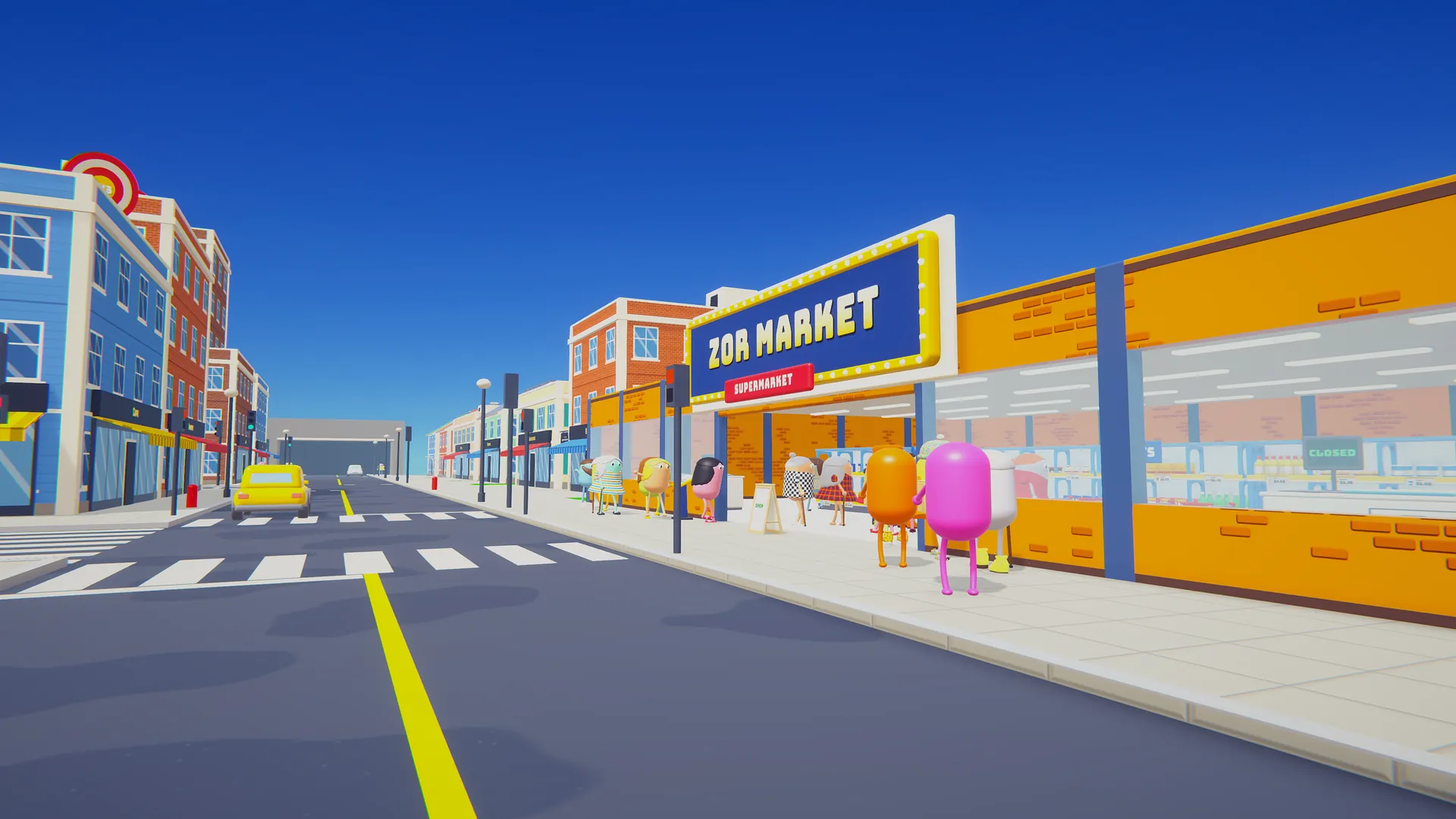
Early access beta
Free
Open the store!
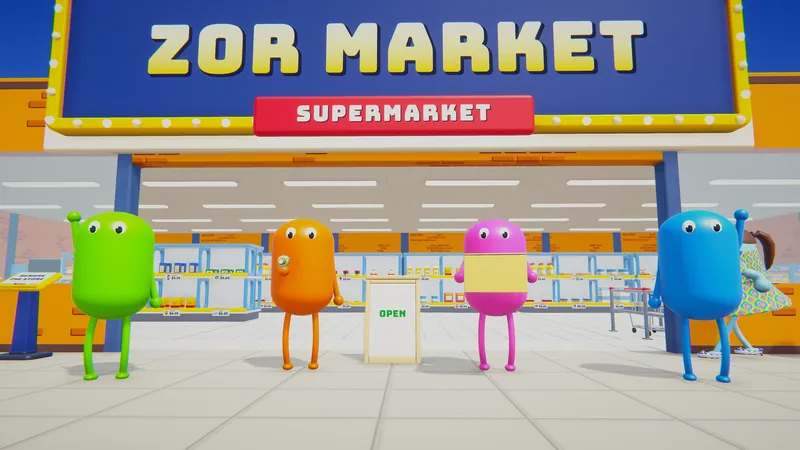
Run a supermarket with your friends. Stock shelves, scan groceries, chase robot thieves and keep every shopper happy before they run out of patience.
Download the beta for WindowsPortable zip (no install, 92.2 MB)
Not on Steam yet. This is an early test build, straight from the developer.
A first-person party game about running a supermarket together. Arcade chaos, not a serious simulator.
Run the store with up to 6 players online, or on your own.
Unload the truck, fill the shelves, work the register. Let one shopper run out of patience and it is game over.
Shoplifters, robot thieves, health inspectors, a celebrity, and three bosses waiting in the city.
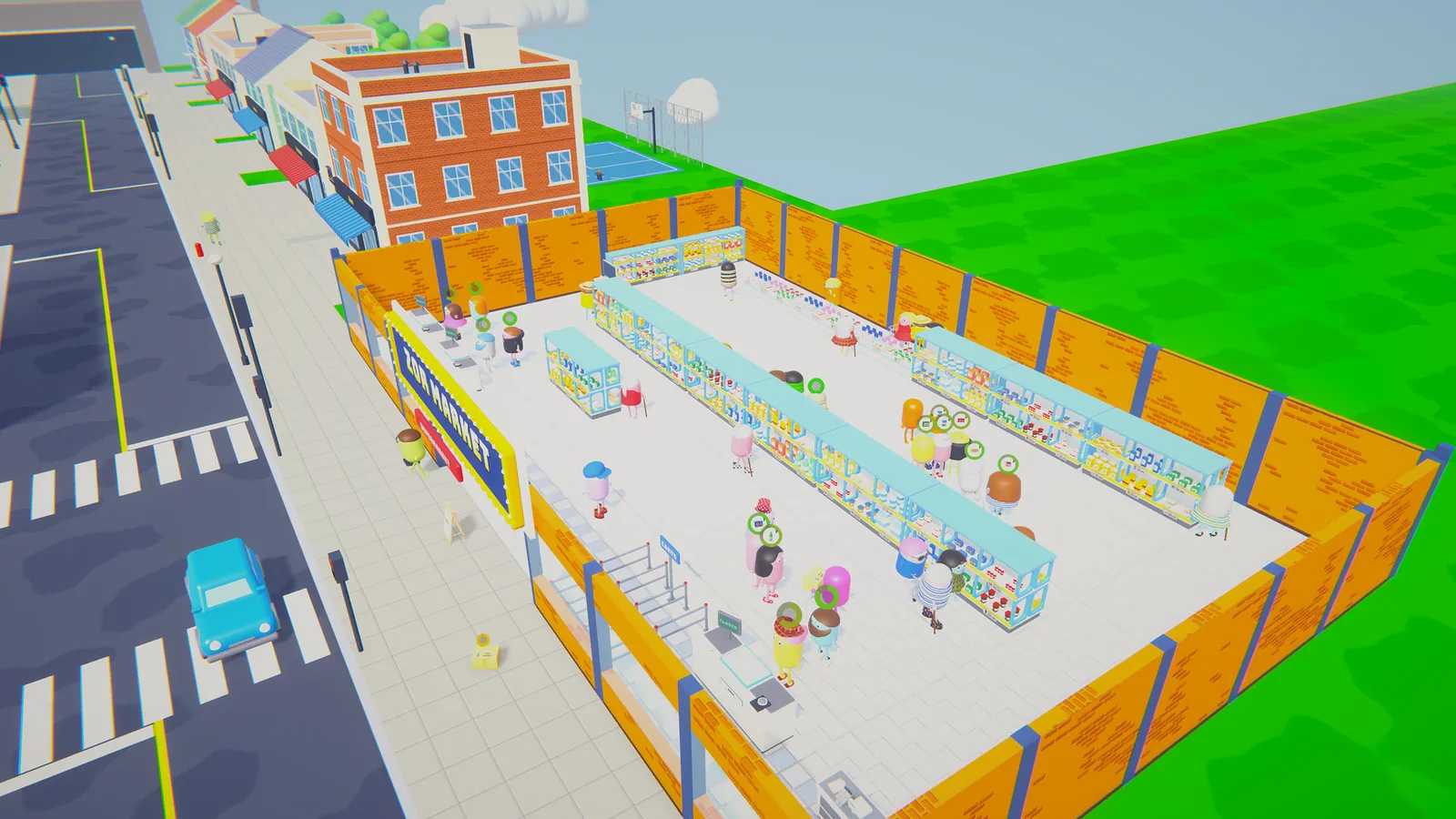
Dig out walls and build up to 5 floors with stairs, escalators and jump pads. Every day gets busier.
Order products on the store PC, wait for the truck, carry the boxes in. In a hurry? Throw them.
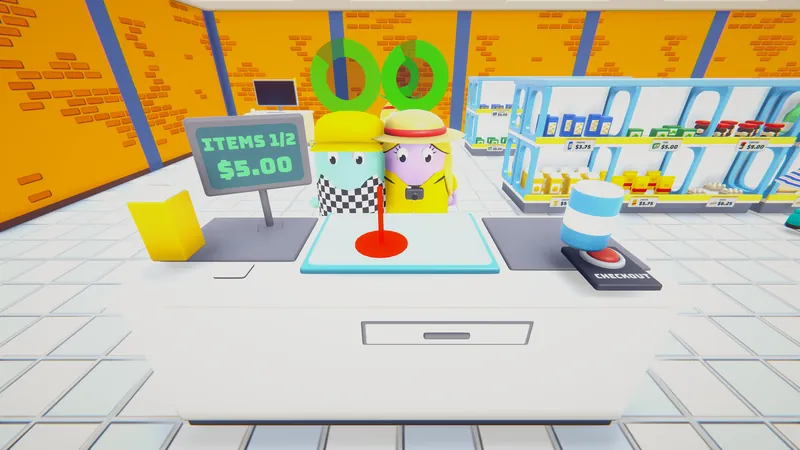
Scan every item, count the change, hand it over. The queue is watching you.
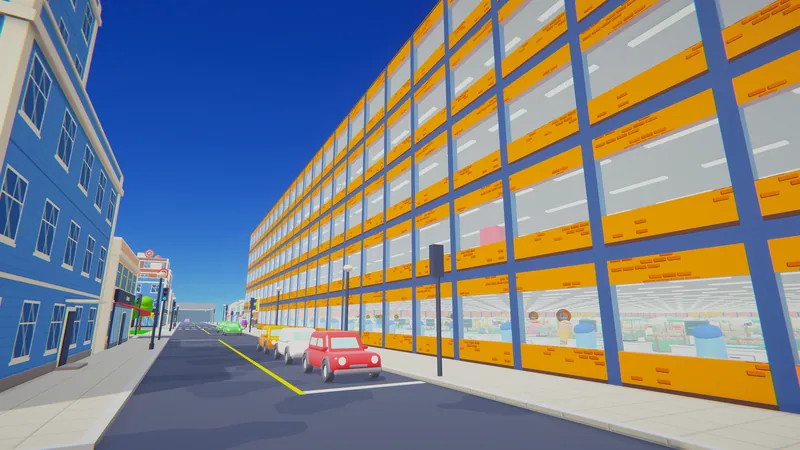
Dig out walls and stack up to 5 floors. Place shelves, freezers and stations with the Edit Gun.
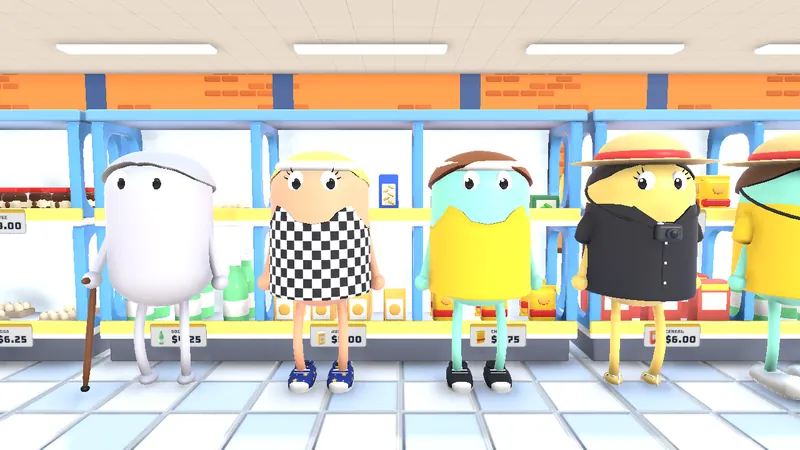
Grannies with canes, joggers, tourists who stop for a photo, a celebrity in a top hat.
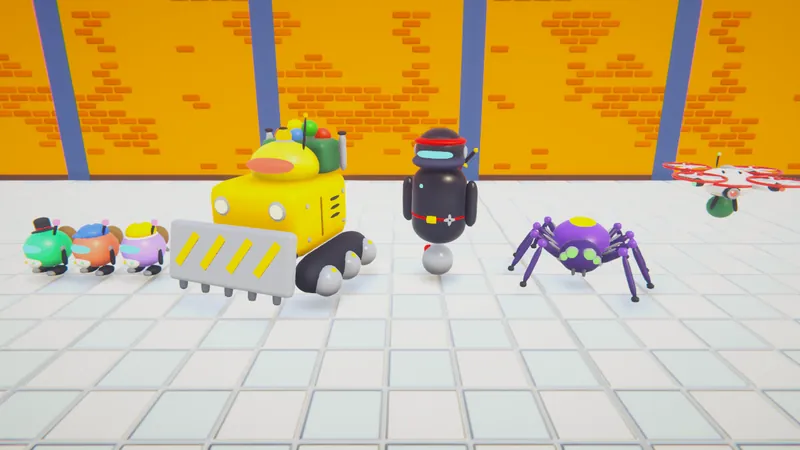
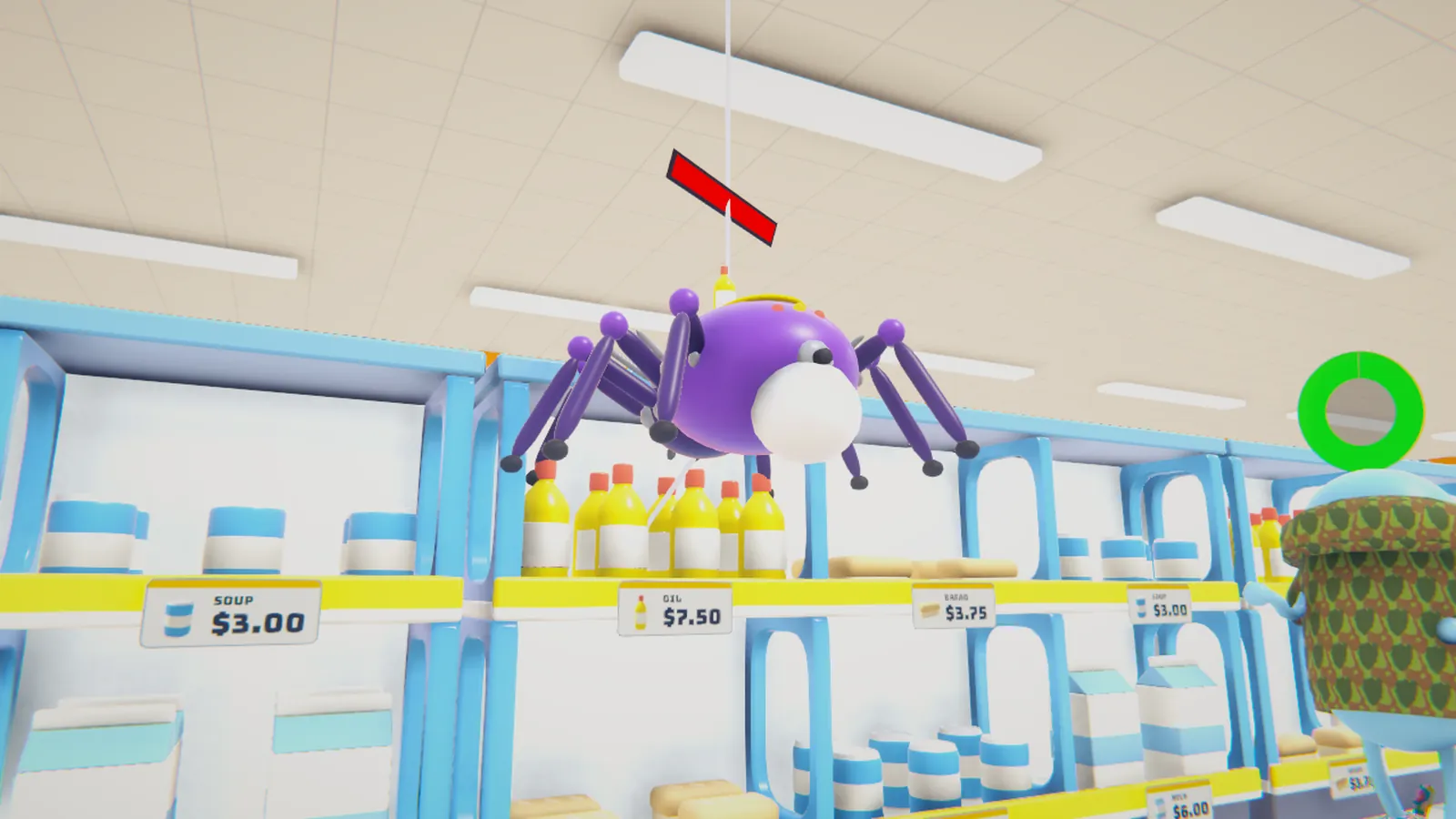
Shoplifters sneak out, robot thieves roll in: bulldozers, ninjas, spiders, drones. Grab a bat.
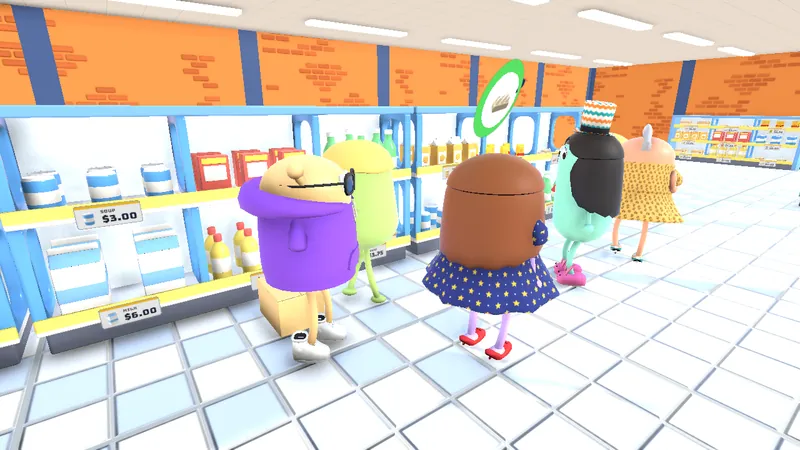
Cashiers, bodyguards, a box cleaner, and Lox, who walks lost shoppers to the right shelf.
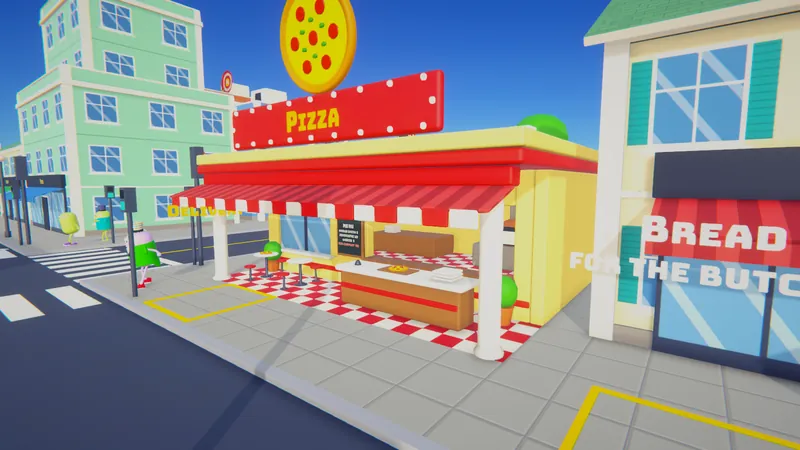
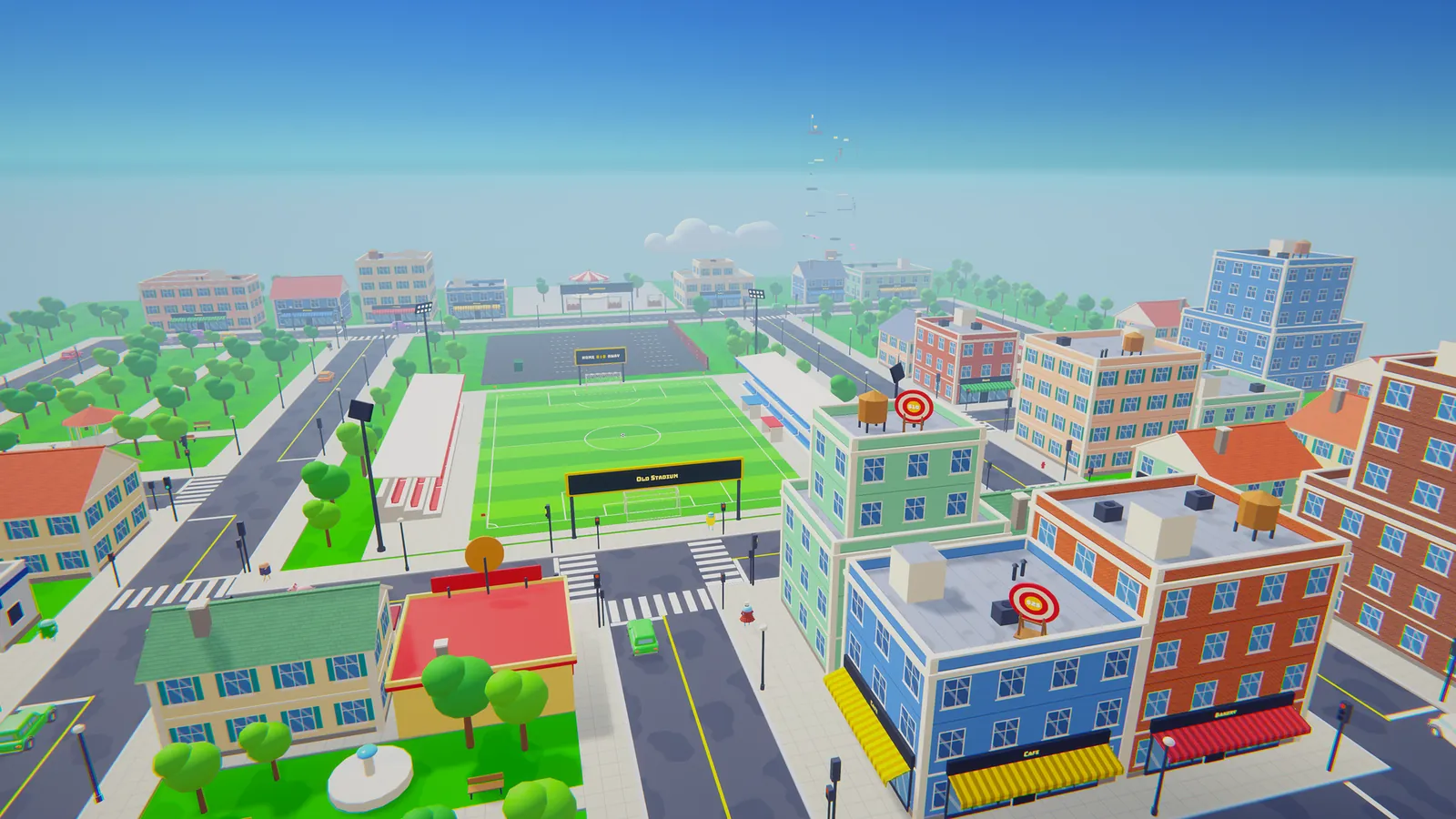
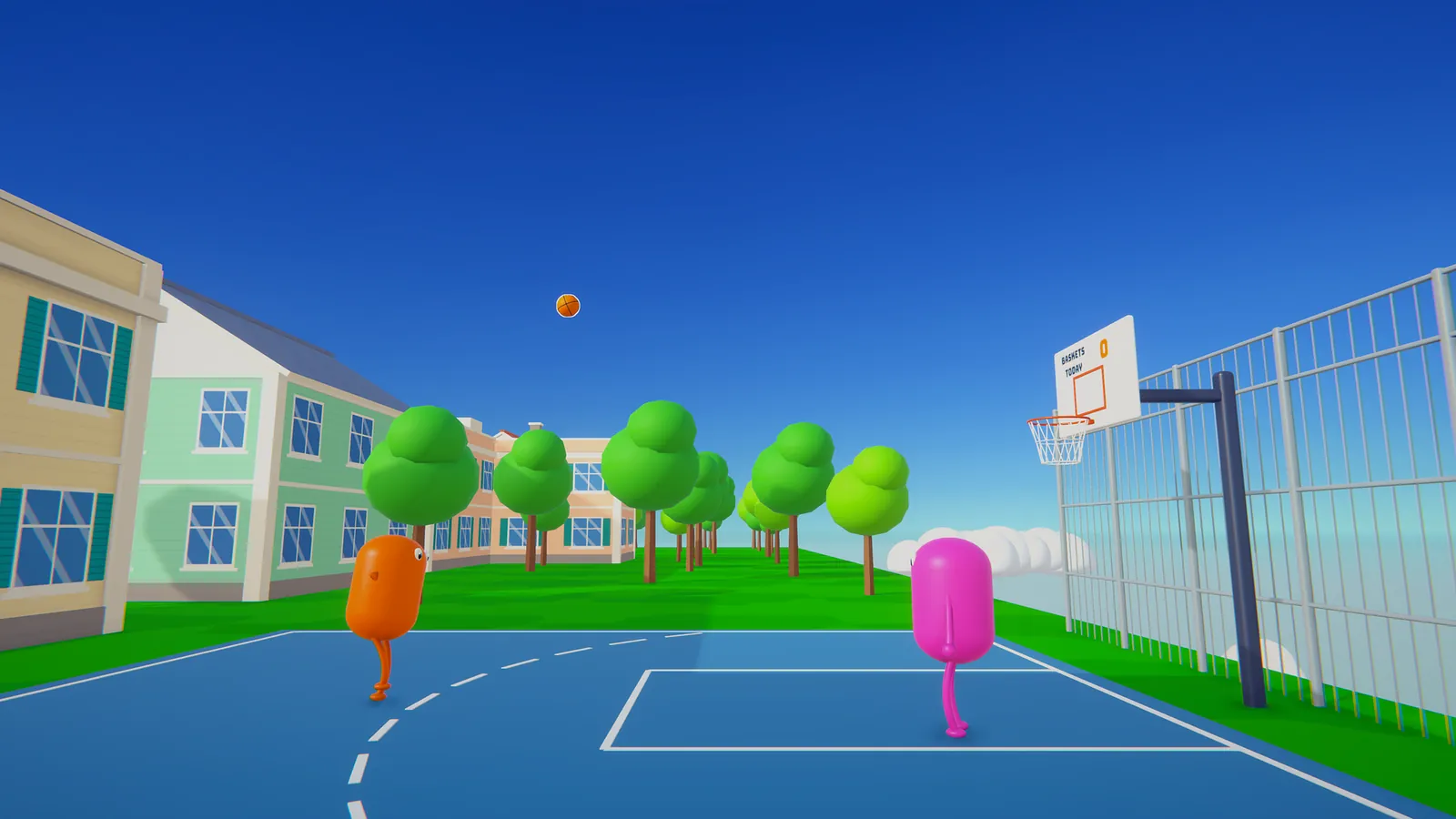
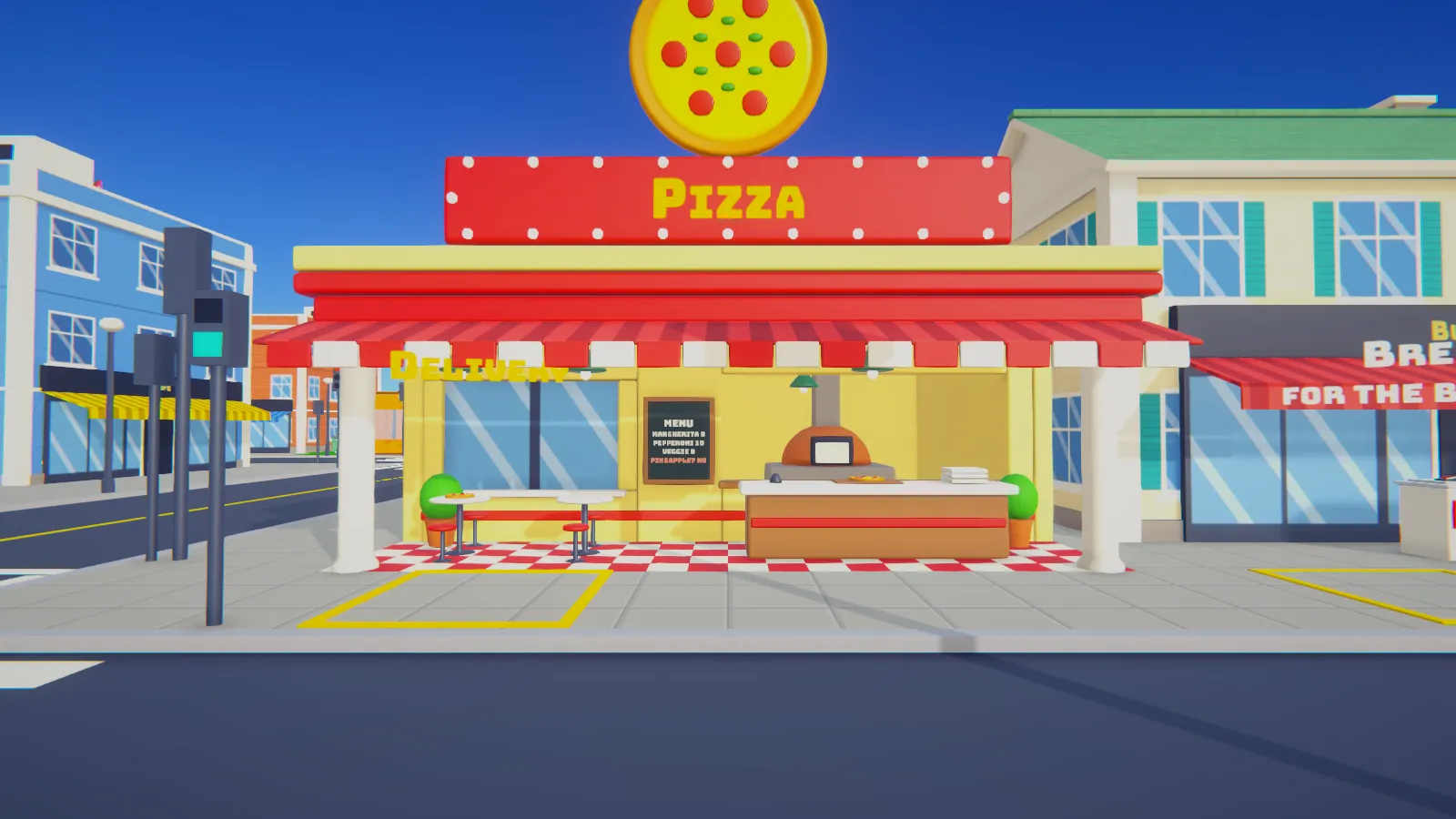
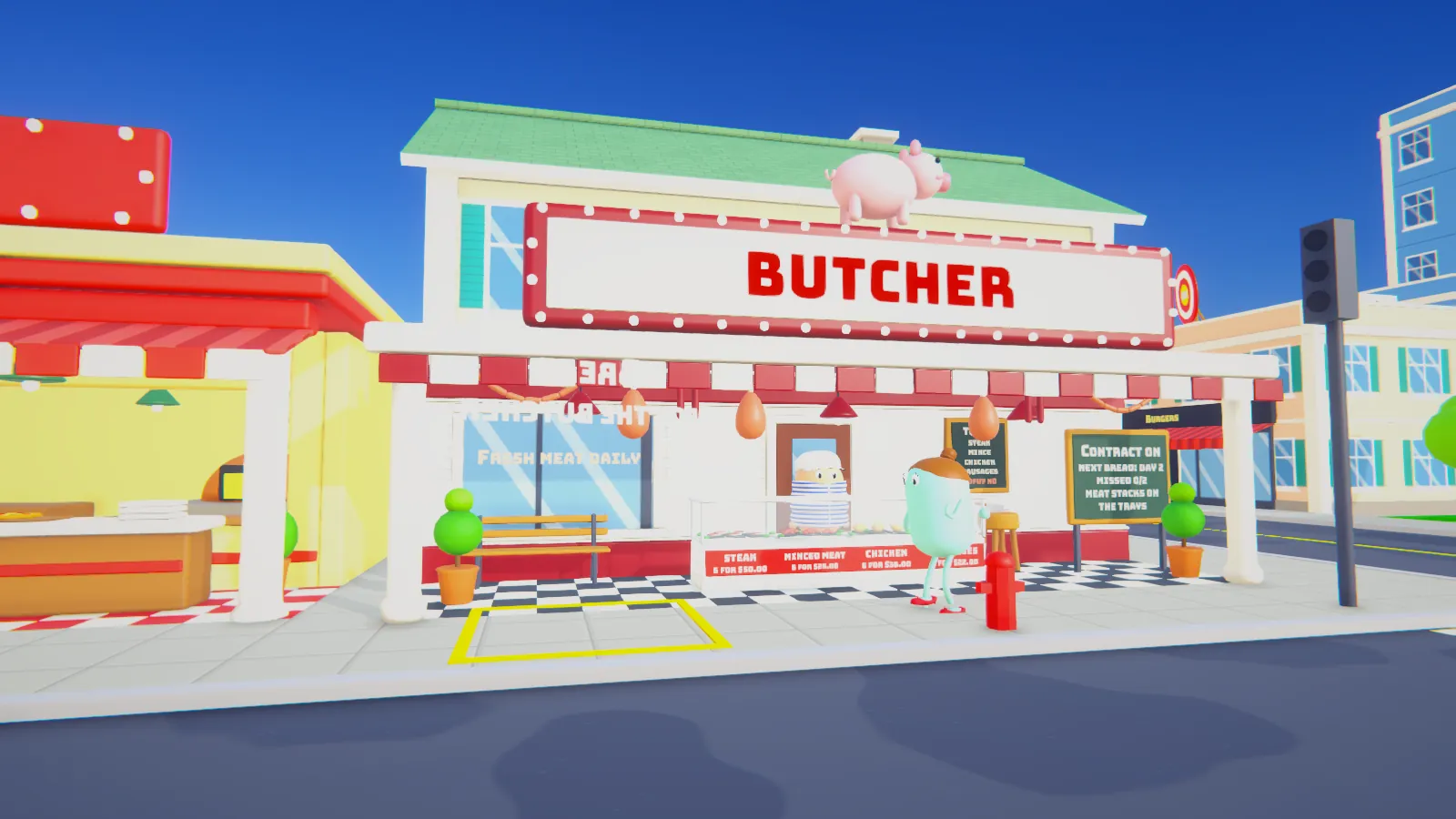
Deliver Pizza Place orders, sign a butcher contract, play the arcade and shoot some hoops.
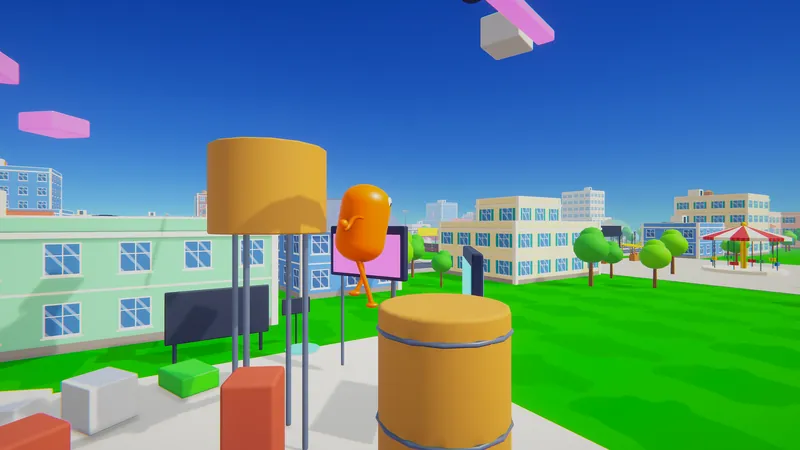
Jump across floating courses above the rooftops and earn skill points for your character.
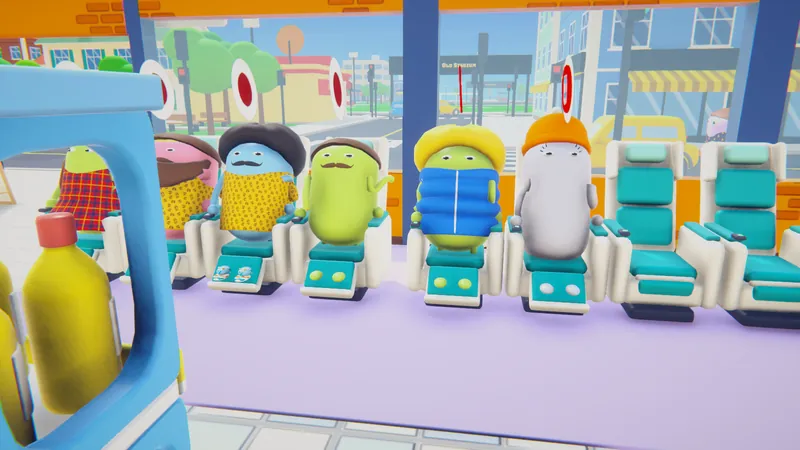
Sold out? Give the waiting shopper a shoulder massage in a rhythm mini game before they storm off.
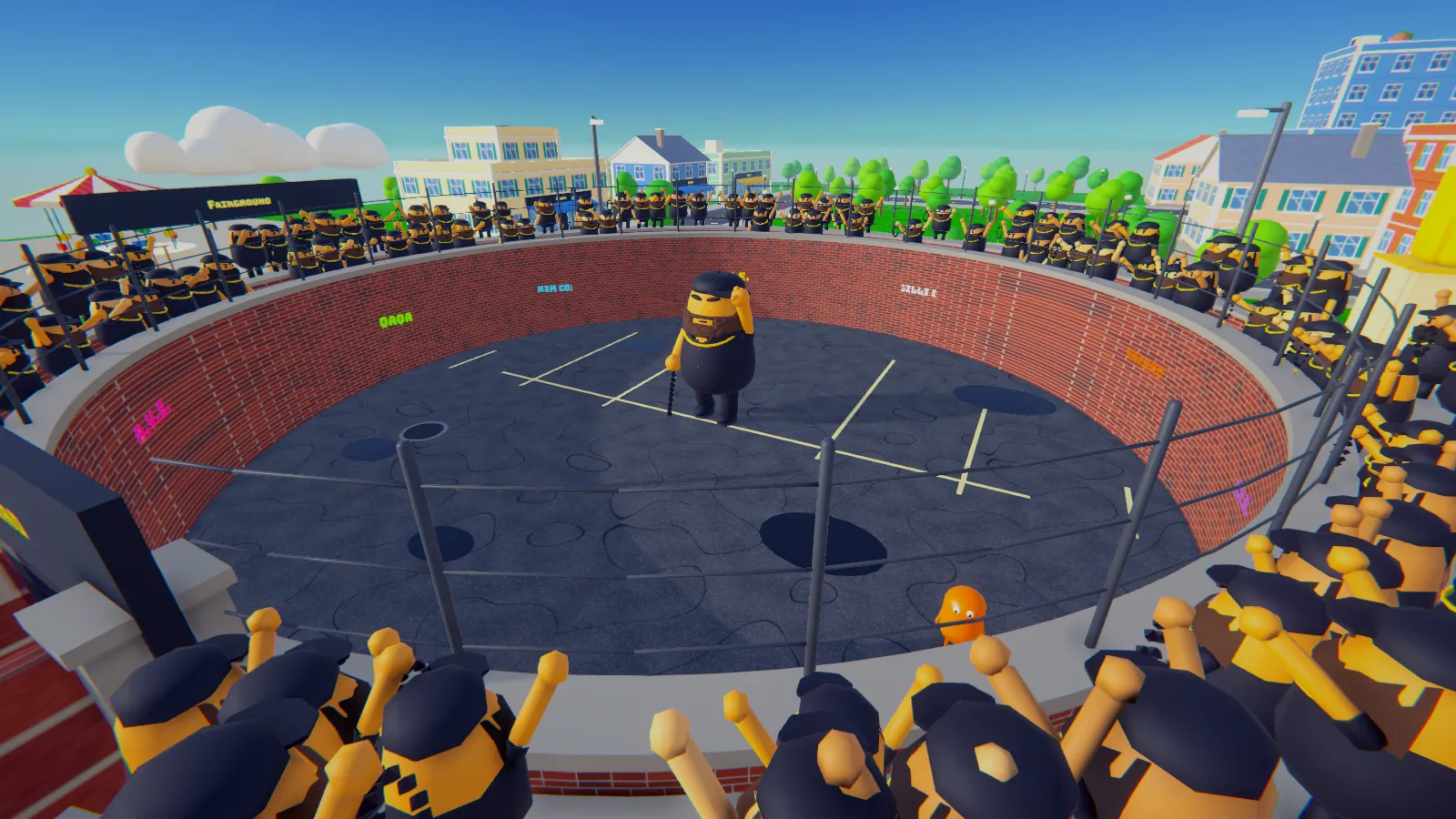
Now and then a boss sets up an arena somewhere in the city. Team up and beat him before the store opens.
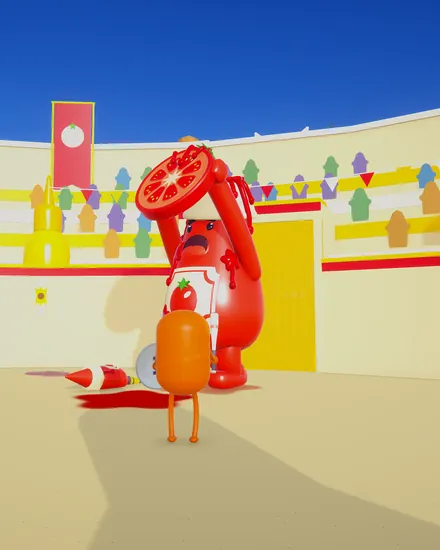
The Sauce Knight. Rains ketchup globs over the Sauce Colosseum.
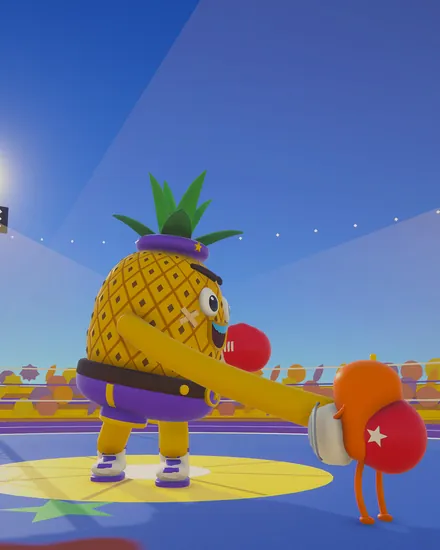
The Fruit Punch Champ. Rubber arms, grenade lobs and a mean uppercut.
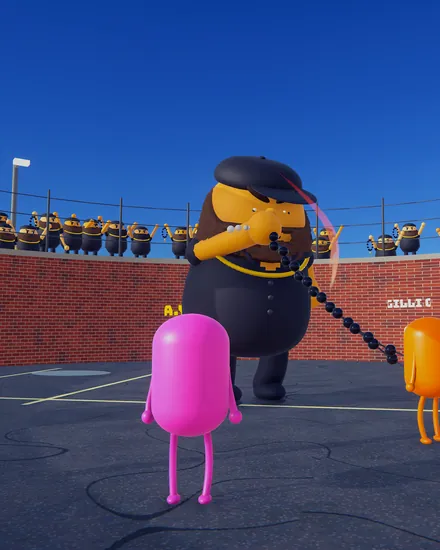
The Backyard legend. A bead-string lasso, a crowd of look-alikes and a very loud A.Y.E.
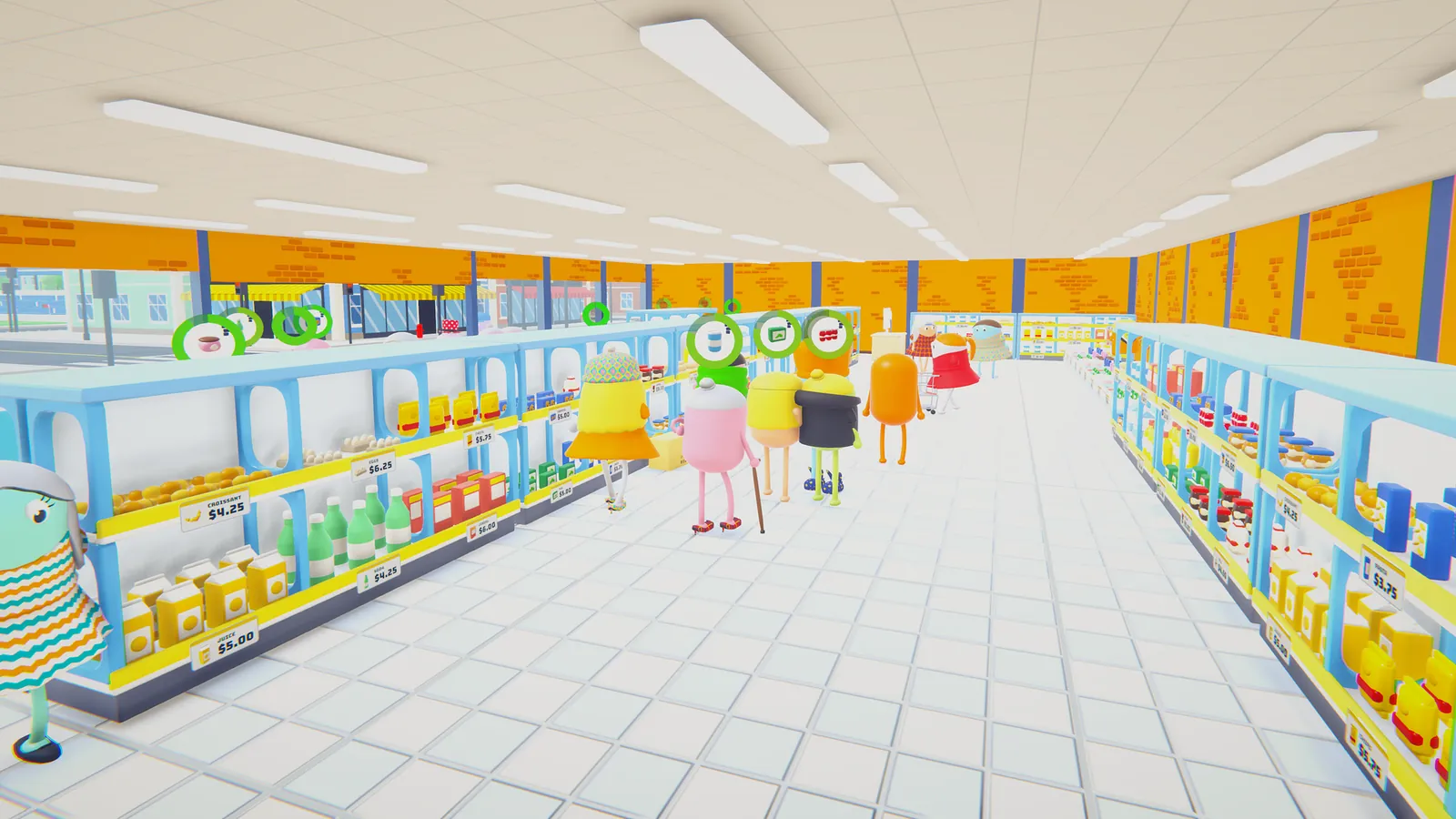
1 to 6 players. One player hosts and opens the lobby, the others join:
Steam connects everyone through its relay: no port forwarding. In the lobby, Invite friends opens Steam's invite list (when the game runs from Steam), else it copies the join code for you.
The lobby shows a short code like 2KQ-M7PX. Friends type it on the title screen under Join with a code.
On the same network? Friends type the host's LAN address from the lobby (like 192.168.1.23) in the same box. No Steam needed.
Click the green button above. The file comes from the game's release page on GitHub, a site trusted by developers everywhere.
If the browser says the file is not commonly downloaded, choose Keep.
Windows may say "Windows protected your PC". Click More info, then Run anyway.
The game is not code-signed yet, so Windows shows "Unknown publisher". That is expected.
No admin rights needed: it installs only for your user, in AppData\Local\Programs\ZorMarket, and starts from the Start menu.
Remove it any time in Settings, Apps, Installed apps, like any program. It has its own uninstaller.
Installers blocked on this PC? Get the portable zip, unpack it anywhere (a USB stick works) and run ZorMarket\ZorMarket.exe. Delete the folder to remove it.
Early numbers. They will get sharper as the beta goes on.
Check a downloaded file in PowerShell. The SHA-256 it prints must match the one here:
Get-FileHash .\ZorMarket-Setup.exe
Yes. The beta is free to download and play. The full game is planned for Steam later.
It is a normal Unity game made by one indie developer, hosted on GitHub. It needs no admin rights and installs only into your own user folder. You can compare the SHA-256 checksum above or open the VirusTotal report.
Windows SmartScreen warns about new programs that are not code-signed yet. Signing comes later, so for now it says "Unknown publisher". Click More info, then Run anyway.
For online play with friends, yes: the Steam app must be running and signed in, because Steam connects the players. You do not need to buy anything. Solo and LAN play work without Steam.
The host presses Play to open a lobby. Friends join by typing the lobby's code (the Invite friends button copies it) under Join with a code. On the same network they can type the host's LAN address there instead.
Until ZorMarket has its own Steam page, the beta connects players through Spacewar, Valve's free test app for game developers. Nothing extra gets installed.